
Give your host access to Docker containers with macvlan
Here is a trick you can use if you want to give your host access to some of your containers using a macvlan. I had to use this trick to setup AdGuard Home on my Synology NAS to be able to use this DNS from the NAS itself.

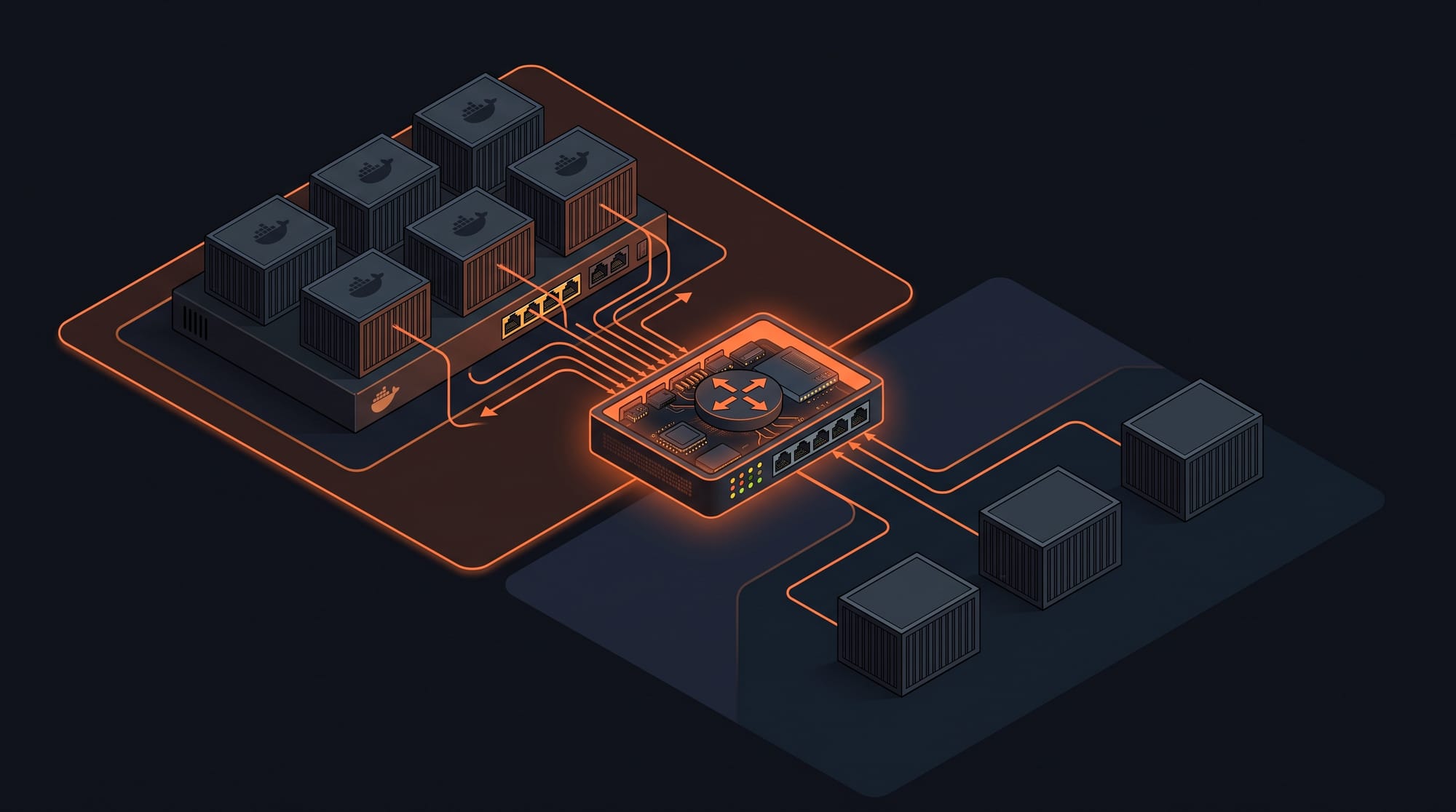
Docker Macvlan Documentation
Here is a trick you can use if you want to give your host access to some of your containers using a macvlan. I had to use this trick to setup AdGuard Home on my Synology NAS to be able to use this DNS from the NAS itself.
The first step is to create a second macvlan called "mynet-interface" which is going to be used as an interface between my initial macvlan "mynet" and its host.
It's very important to give "mynet-interface" an IP neither your router DHCP nor "mynet" are going to assign automatically to any device.
I have decided to add an aux_addresses section in my docker compose creating the macvlan "mynet" to exclude this IP from its DHCP and I did the same in my router.
Now our foundations are ready, we can move forward.
I create the second macvlan "mynet-interface":
ip link add mynet-interface link eth0 type macvlan mode bridge
I assign it the IP address I reserved above:
ip addr add 192.168.1.222/32 dev mynet-interface
ip link set mynet-interface up
And finally, I'm telling to my host to route all accesses to my macvlan "mynet" IP range to this new macvlan interface "mynet-interface"
ip route add 192.168.1.192/27 dev mynet-interfaceThese 4 commands will not survive a reboot of the host, therefore you need to setup a script to execute them on boot.